Production Management — Run Your Shop Floor With Confidence

Finaman ERP’s Production Management module gives manufacturers real-time control over work orders, shop-floor execution, costing, and quality. Reduce errors, speed up cycles, and get accurate production costs — all from one unified dashboard.

1. Streamline Production from Start to Finish

Every Batch, Every Step, Every Process — Digitally Managed
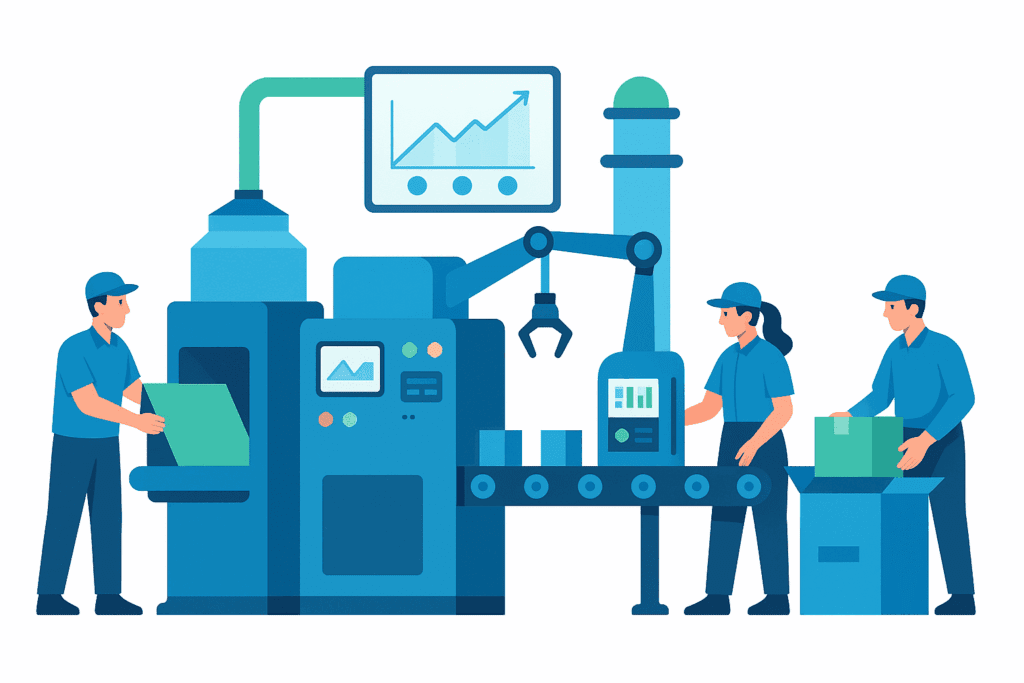
Finaman ERP’s Production Management module simplifies manufacturing by connecting all departments — planning, shop floor, inventory, and quality — into one smooth digital flow. From work order creation to job completion, track every stage with precision and visibility.

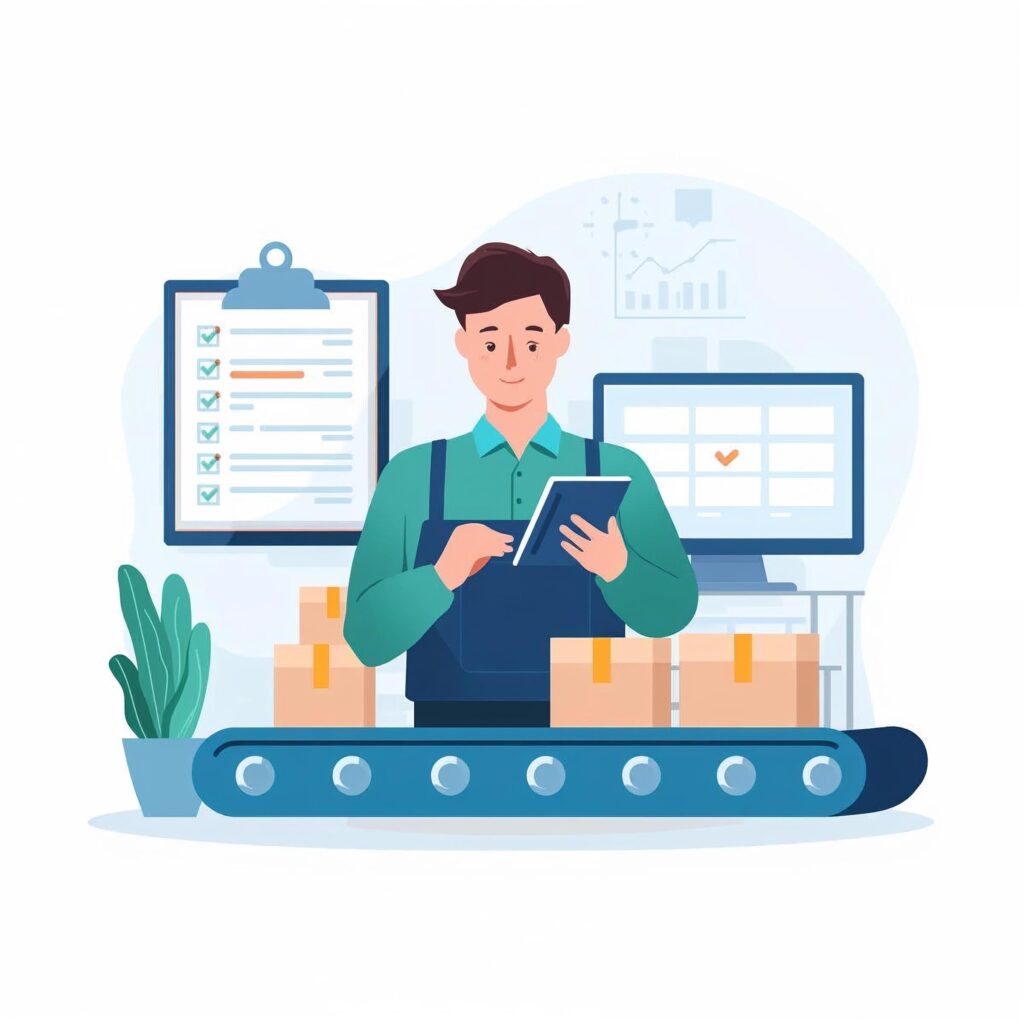
Centralized Work Order Management
Auto Material Consumption Updates

Integrated Quality & Batch Control

2. Work Order Management

Create, assign, and monitor production orders effortlessly.
Generate work orders directly from planning or sales inputs. Define quantity, BOM, and routing — and Finaman ERP automatically links it to material availability and machine capacity.

Auto-generated work orders from MRP

BOM & routing integration

Status tracking and order history

3. Shop Floor Execution

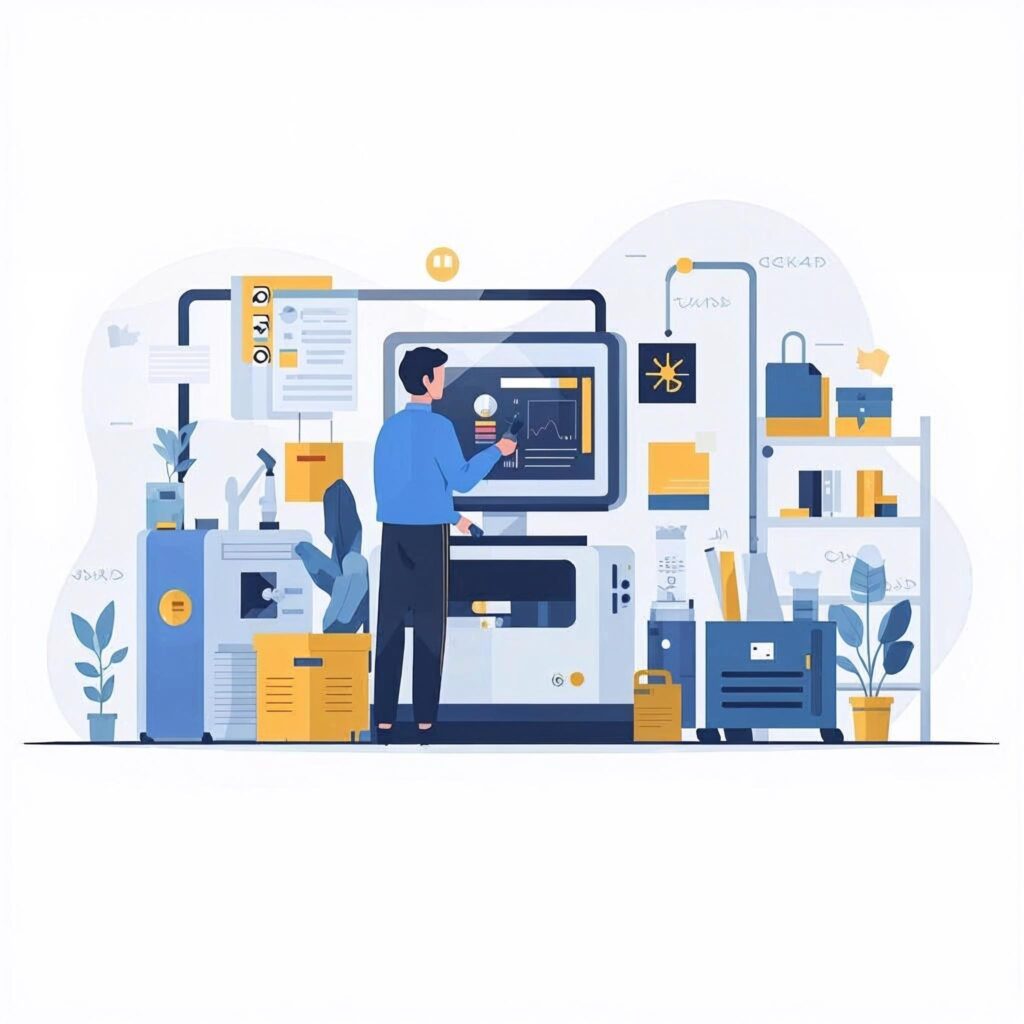
Empower operators with real-time visibility and control.
View running jobs, track progress, and record completion — directly from the shop floor dashboard. Get instant updates on order status, shift performance, and production efficiency.

Live job progress tracking

Operator-friendly dashboard

Work order completion alerts

4. Production Costing & Analysis

Know your exact production cost in real-time.
Finaman ERP auto-calculates cost based on materials, labor, and overheads. Compare planned vs. actual costs and identify areas to improve efficiency and profitability.

Automatic cost calculation

Variance reports (planned vs. actual)

Machine, labor, and overhead cost tracking


5. Quality & Compliance Integration

Ensure every product meets quality standards.
Integrate quality checks right into your production flow. Capture test results, approve batches, and maintain complete traceability from raw material to finished goods.

Inline quality checkpoints

Batch approval workflows

GMP & industry compliance-ready

6. Real-Time Dashboards & Reports

Full visibility of production performance at a glance.
Track production KPIs, capacity utilization, downtime, and output — all from one dashboard. Finaman ERP gives decision-makers real-time insights to act faster and smarter.

Dynamic production dashboards

Department-wise performance

Downtime & efficiency analytics

1. Streamline Production from Start to Finish

Every Batch, Every Step, Every Process — Digitally Managed
Finaman ERP’s Production Management module simplifies manufacturing by connecting all departments — planning, shop floor, inventory, and quality — into one smooth digital flow. From work order creation to job completion, track every stage with precision and visibility.

Centralized Work Order Management

Auto Material Consumption Updates

Integrated Quality & Batch Control

2. Work Order Management

Create, assign, and monitor production orders effortlessly.
Generate work orders directly from planning or sales inputs. Define quantity, BOM, and routing — and Finaman ERP automatically links it to material availability and machine capacity.

Auto-generated work orders from MRP

BOM & routing integration

Material & labor linking

3. Shop Floor Execution

Empower operators with real-time visibility and control.
View running jobs, track progress, and record completion — directly from the shop floor dashboard. Get instant updates on order status, shift performance, and production efficiency.

Live job progress tracking

Operator-friendly dashboard

Shift-wise performance metrics

4. Production Costing & Analysis

Know your exact production cost in real-time.
Finaman ERP auto-calculates cost based on materials, labor, and overheads. Compare planned vs. actual costs and identify areas to improve efficiency and profitability.

Automatic cost calculation

Variance reports (planned vs. actual)

Machine, labor, and overhead cost tracking

5. Quality & Compliance Integration

Ensure every product meets quality standards.
Integrate quality checks right into your production flow. Capture test results, approve batches, and maintain complete traceability from raw material to finished goods.

Inline quality checkpoints

Batch approval workflows

GMP & industry compliance-ready

6. Real-Time Dashboards & Reports

Full visibility of production performance at a glance.
Track production KPIs, capacity utilization, downtime, and output — all from one dashboard. Finaman ERP gives decision-makers real-time insights to act faster and smarter.

Dynamic production dashboards

Department-wise performance

Exportable reports for management
See all Modules

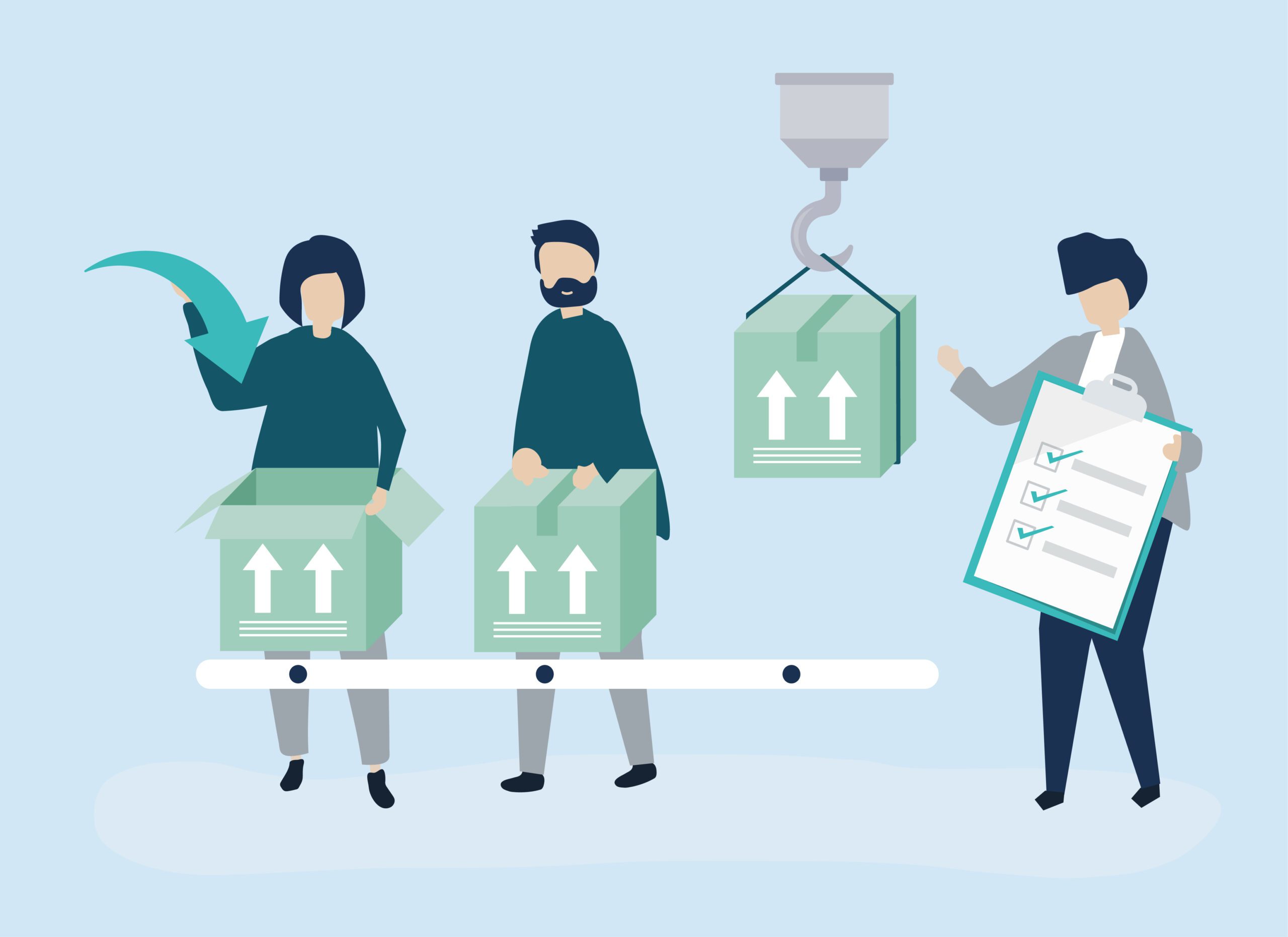
Finaman ERP connects every department — purchase, production, stores, and dispatch — into one smart system. No more manual planning chaos or last-minute surprises — just accurate, data-driven scheduling and control.
How long does implementation take?

Typical implementation for Production Management takes 6–12 weeks, depending on plant size, customizations, and data migration scope. We provide a phased rollout to keep production running during implementation.

Can Finaman integrate with our existing machines/PLCs?

Yes. Finaman supports integrations with shop-floor systems and PLCs via standard connectors and middleware. We assess your setup during discovery and recommend the best integration approach.

Will my existing BOMs and routing data be migrated?

Absolutely. We migrate BOMs, routings, and historical work order data as part of the implementation. Our migration team validates and tests data to ensure accuracy before go-live.

Do you provide operator or supervisor training?

Yes — training is included. We conduct role-based sessions (planners, supervisors, operators) and provide training materials, SOPs, and on-site/remote support during the initial weeks.

What support is available after go-live?

We offer SLA-based support options: standard business-hours support, extended hours, and premium 24×7 support for critical sites. Regular updates and a ticketing portal are available post-implementation.

Can we customize workflows or reports?

Finaman is configurable. We can tailor workflows, approvals, and reports to suit your processes. For heavy customization, we scope requirements and deliver via a controlled change process.

How long does implementation take?

Typical implementation for Production Management takes 6–12 weeks, depending on plant size, customizations, and data migration scope. We provide a phased rollout to keep production running during implementation.

Can Finaman integrate with our existing machines/PLCs?

Yes. Finaman supports integrations with shop-floor systems and PLCs via standard connectors and middleware. We assess your setup during discovery and recommend the best integration approach.

Will my existing BOMs and routing data be migrated?

Absolutely. We migrate BOMs, routings, and historical work order data as part of the implementation. Our migration team validates and tests data to ensure accuracy before go-live.

Do you provide operator or supervisor training?

Yes — training is included. We conduct role-based sessions (planners, supervisors, operators) and provide training materials, SOPs, and on-site/remote support during the initial weeks.

What support is available after go-live?

We offer SLA-based support options: standard business-hours support, extended hours, and premium 24×7 support for critical sites. Regular updates and a ticketing portal are available post-implementation.

Can we customize workflows or reports?

Finaman is configurable. We can tailor workflows, approvals, and reports to suit your processes. For heavy customization, we scope requirements and deliver via a controlled change process.

See How FINAMAN-ERP® Streamlines Production for You

Experience a smarter way to manage stock. Get real-time insights, batch control, and automated alerts — all within one ERP.
Finaman ERP brings clarity, speed, and accuracy to your warehouse operations.

Scroll to Top

Schedule a Free ERP Demo

Get the full potential of your business with smart ERP solutions.